
 Visit the Digitutor website to learn how to use your camera, adjust settings, and take gorgeous photos. Improve your skills by viewing our rich selection of videos and sample images.
Recommended
-
New
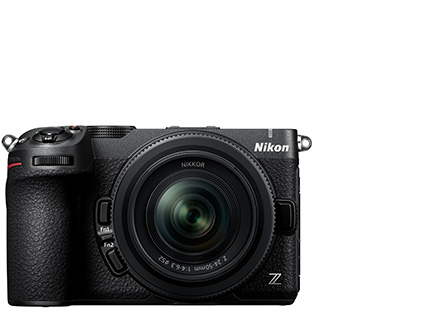 Z5IIC
Z5IIC -
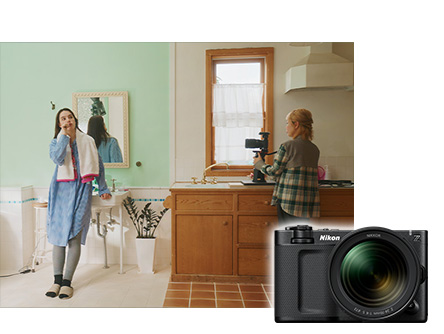 ZR #3: Video Shooting Settings Guide Practical Edition
 -
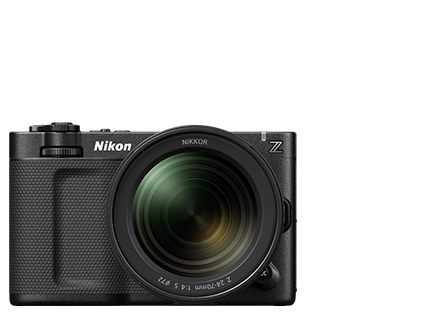 ZR
ZR -
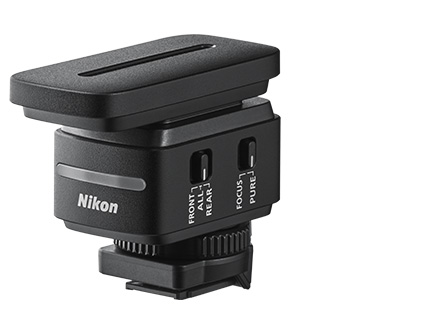 ME-D10
 -
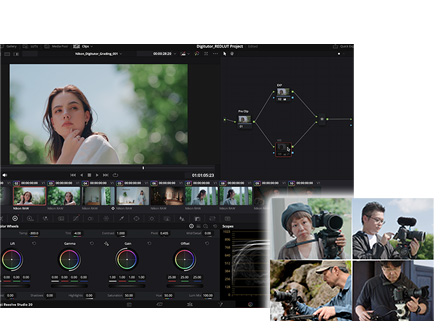 Video Shooting #7: Using RED LUTs for N-Log
 -
 Video Shooting #6: Exposure Control for N-Log Recording
 -
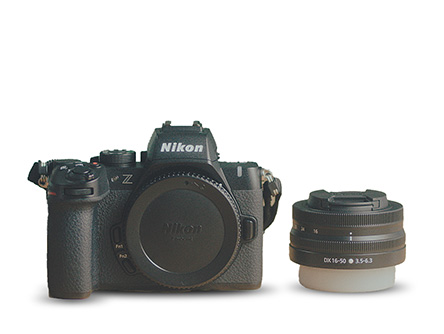 Shooting with a Mirrorless Camera
 -
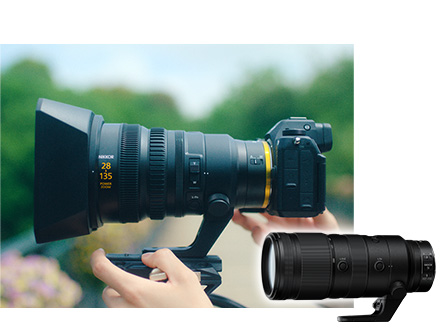 NIKKOR Z 28-135mm f/4 PZ: Recommended Features for Mastering the Power Zoom Lens
 -
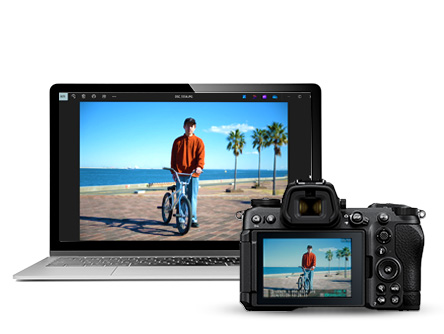 Z series | Copying Pictures to a Computer
 -
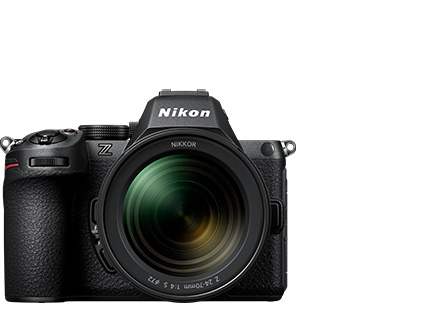 Z5II
Z5II
Cinema Cameras
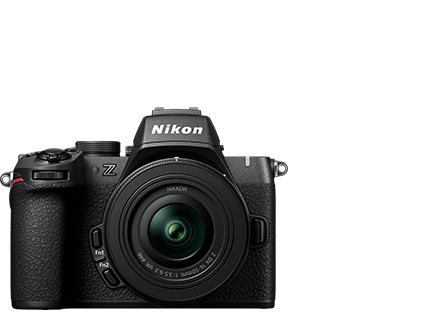
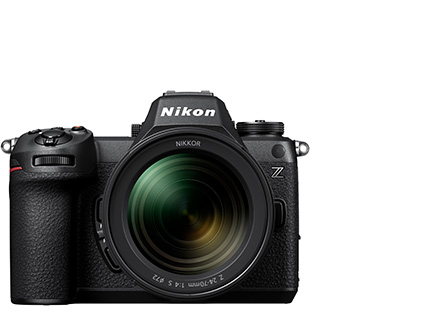
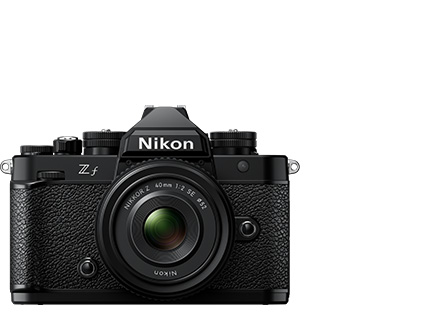
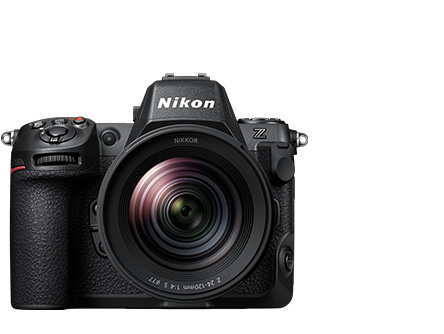
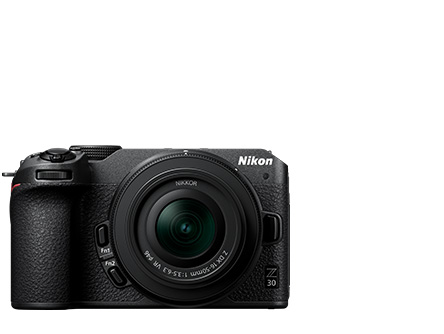
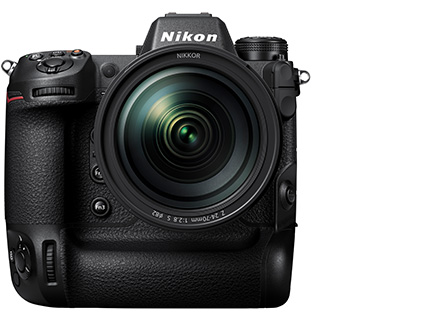
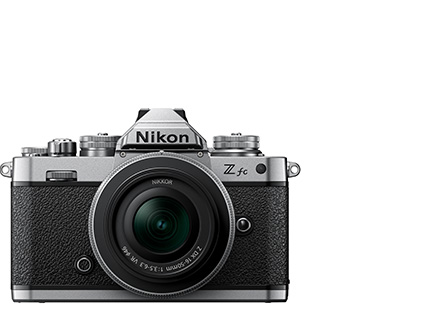
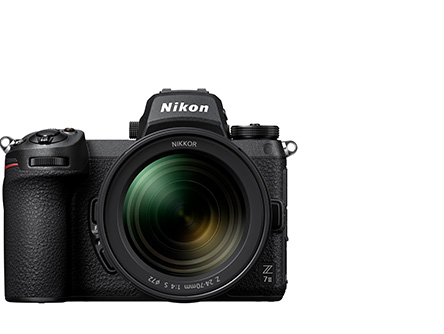
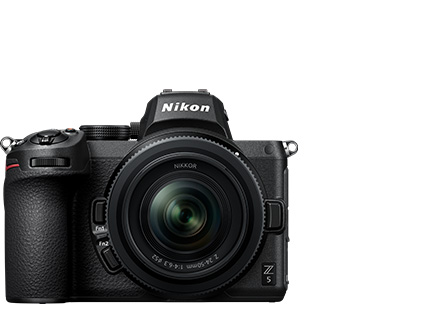
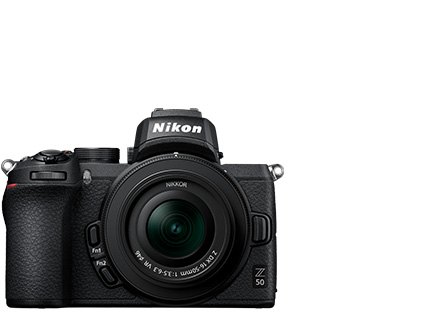
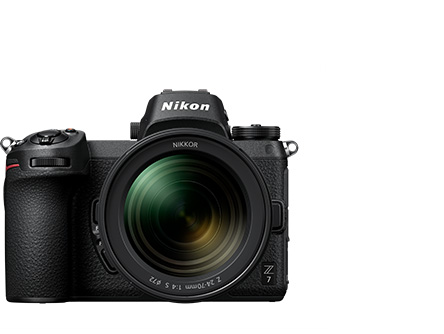
Operating a Mirrorless Camera
Videos/Live Stream
-
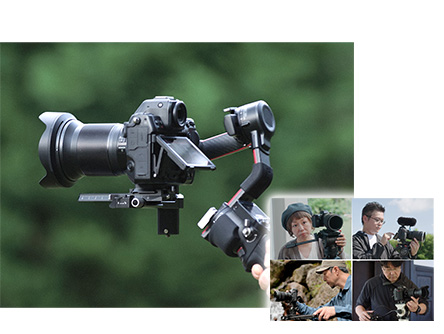 Video Shooting #1: The Basics
 -
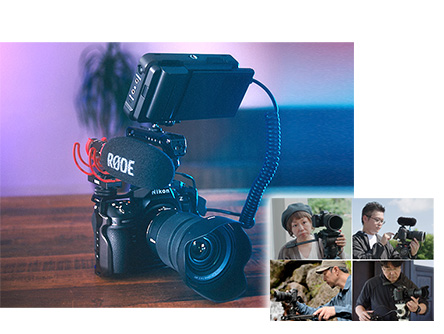 Video Shooting #2: Hands-On
 -
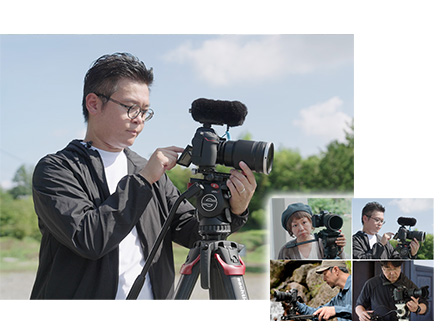 Video Shooting #3: Using Autofocus
 -
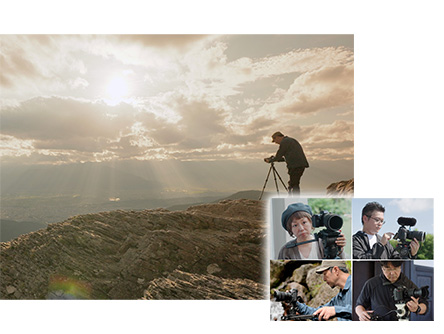 Video Shooting #4: N-Log Videos (Video File Type: H.265 10-bit)
 -
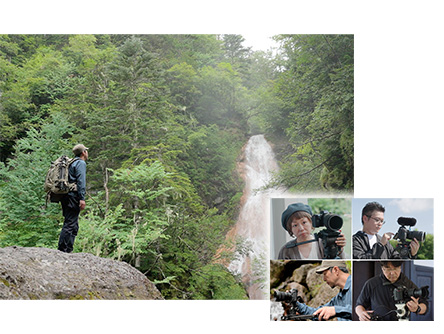 Video Shooting #5: N-RAW Videos (Tone Mode: N-log)
 -
Video Shooting #6: Exposure Control for N-Log Recording
-
Video Shooting #7: Using RED LUTs for N-Log
-
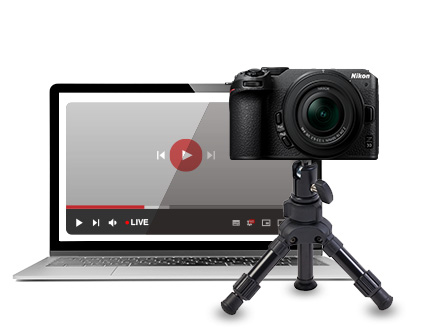 Live Stream
NIKKOR Lenses/Speedlights/Accessories
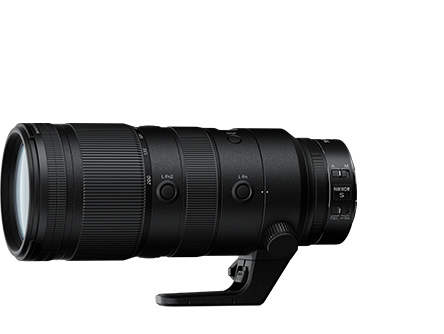
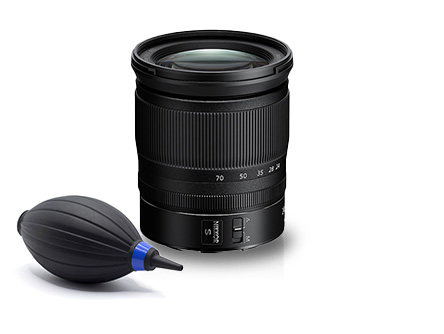
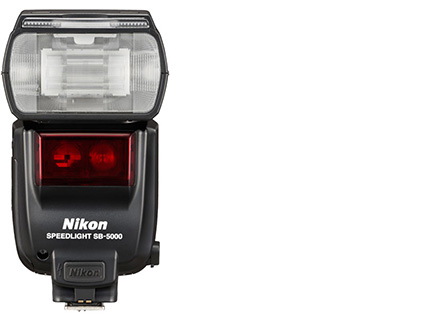
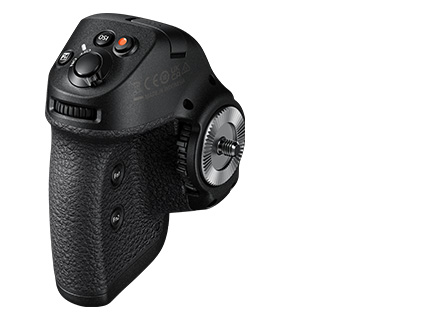
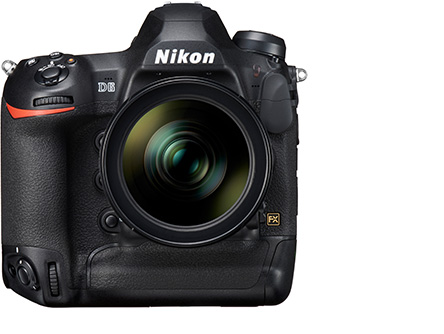
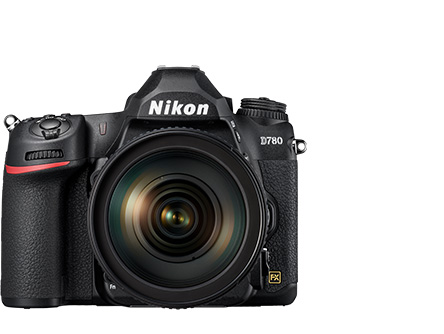
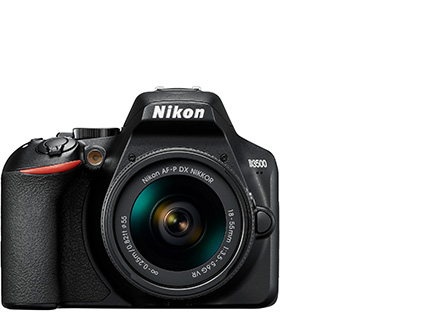
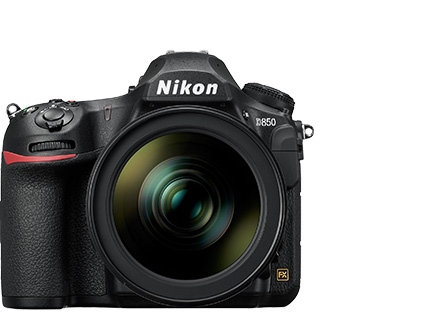
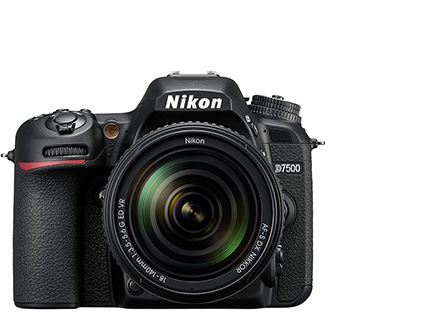
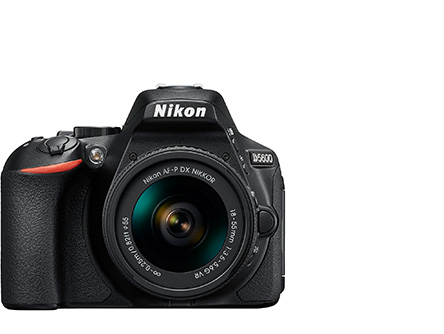
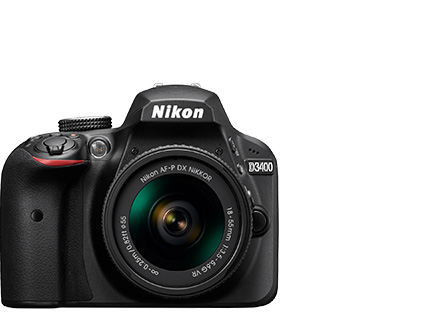
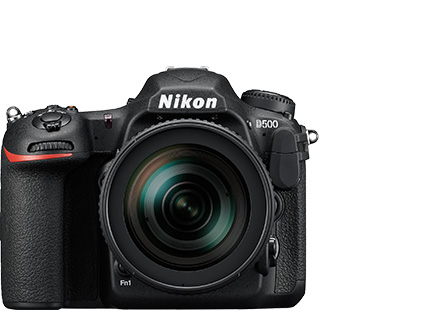
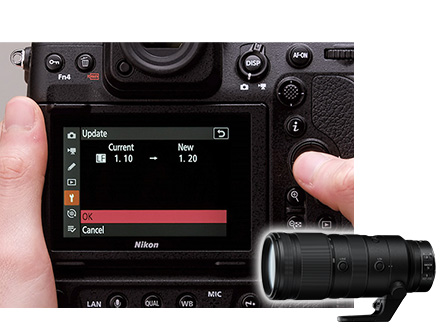
Updating the Firmware
Copying Pictures
-
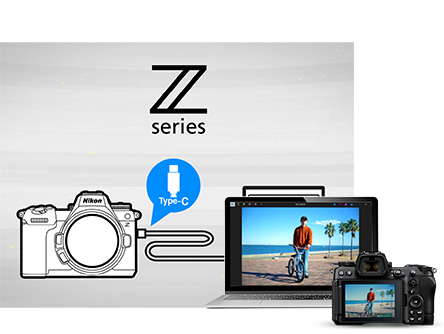 Z series | Copying Pictures to a Computer Using a USB Cable
 -
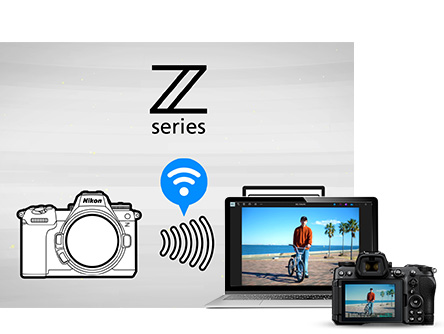 Z series | Copying Pictures to a Computer Using Built-in Wireless LAN
 -
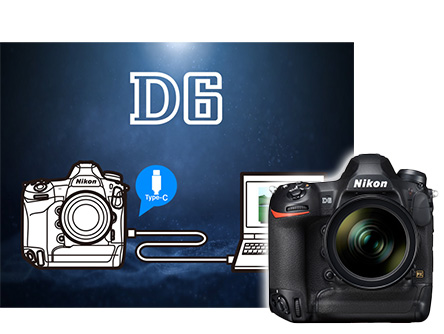 D6 | Copying Pictures to a Computer Using a USB Cable
 -
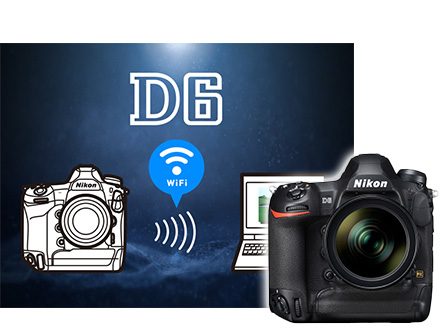 D6 | Copying Pictures to a Computer Using Built-in Wi-Fi
 -
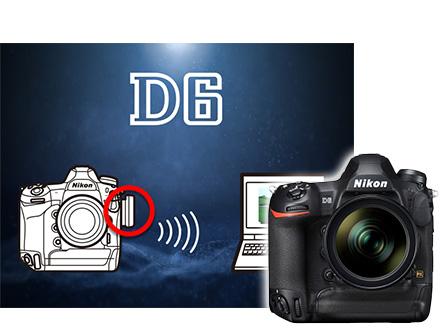 D6 | Copying Pictures to a Computer via Wireless LAN Using a WT-6 Wireless Transmitter
 -
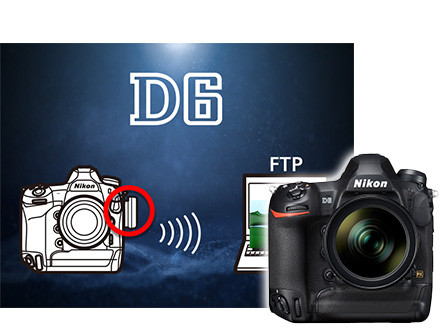 D6 | Copying Pictures to an FTP Server via Wireless LAN Using a WT-6 Wireless Transmitter
 -
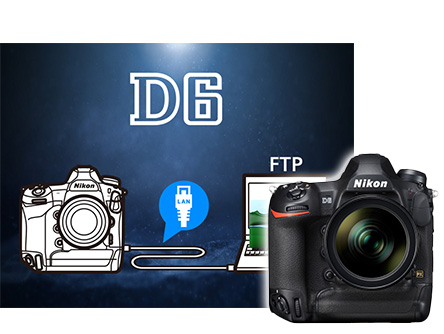 D6 | Copying Pictures to an FTP Server via Wired LAN